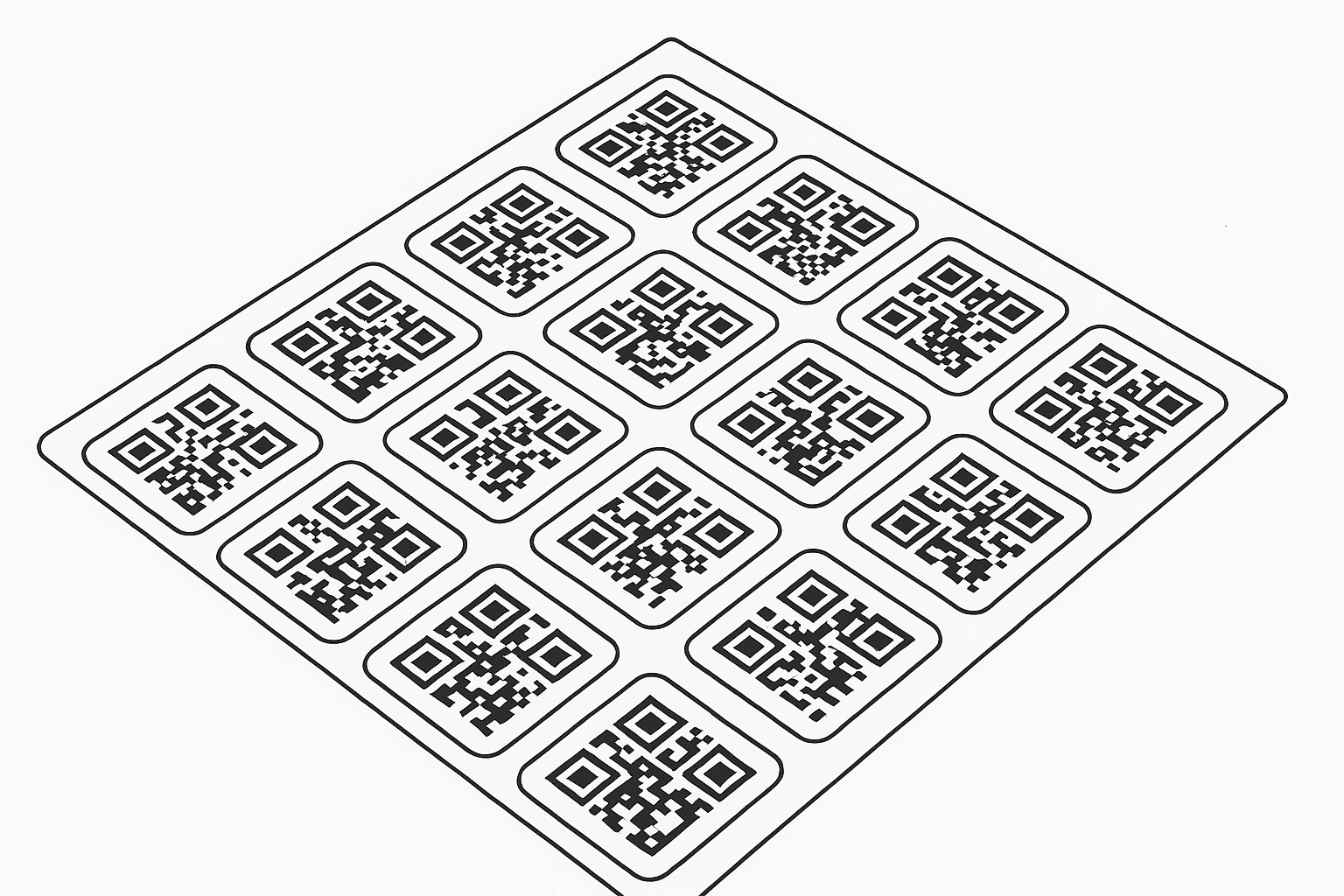
QR Design & Label Layout Platform
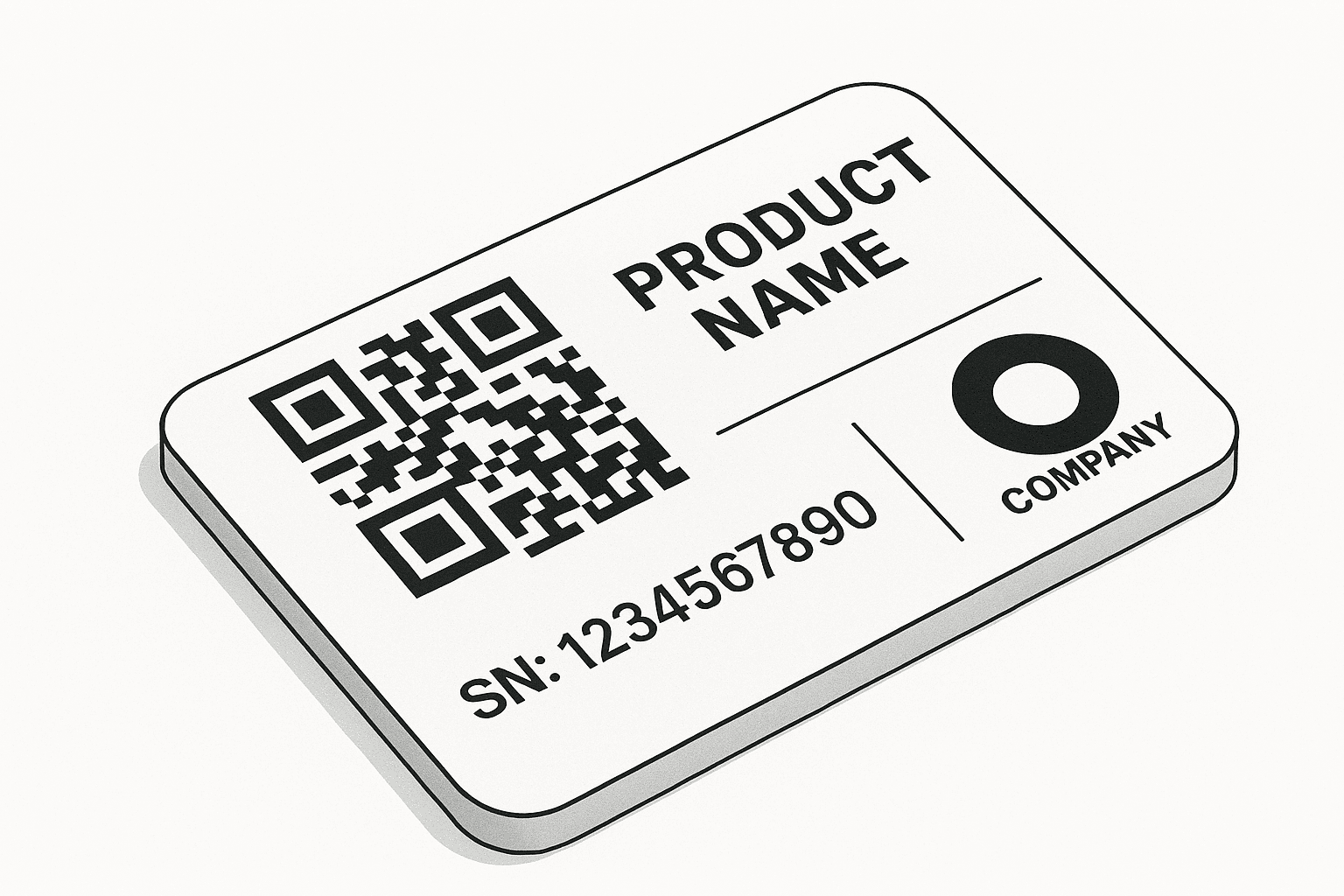
The Binimise QR Design & Label Layout Platform allows organizations to design professional QR labels for products, assets, packaging, and equipment. Users can create customized layouts that combine QR codes with text, logos, and additional information.
Using an interactive design canvas, users can position QR codes, company branding, instructions, and other visual elements exactly where they need them. This ensures labels remain readable and consistent across different applications.
The platform supports multiple sheet sizes and layout templates, allowing businesses to design labels for stickers, asset tags, packaging labels, or industrial identification tags.
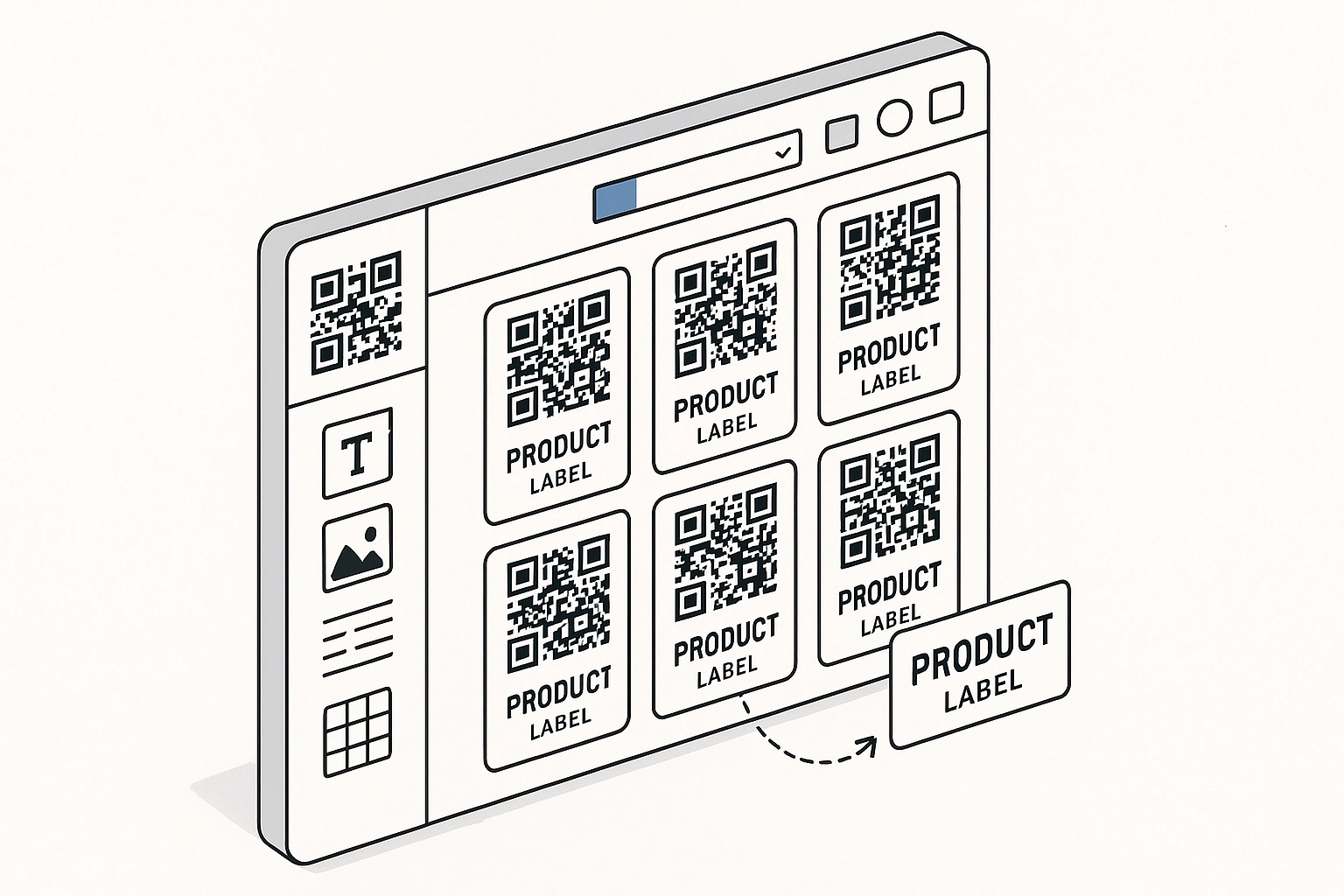
QR Design Tools
QR Label Design & Layout Editor
Drag & Drop Canvas
Design QR labels using an easy drag-and-drop canvas where QR codes, text, logos, and graphics can be positioned freely.
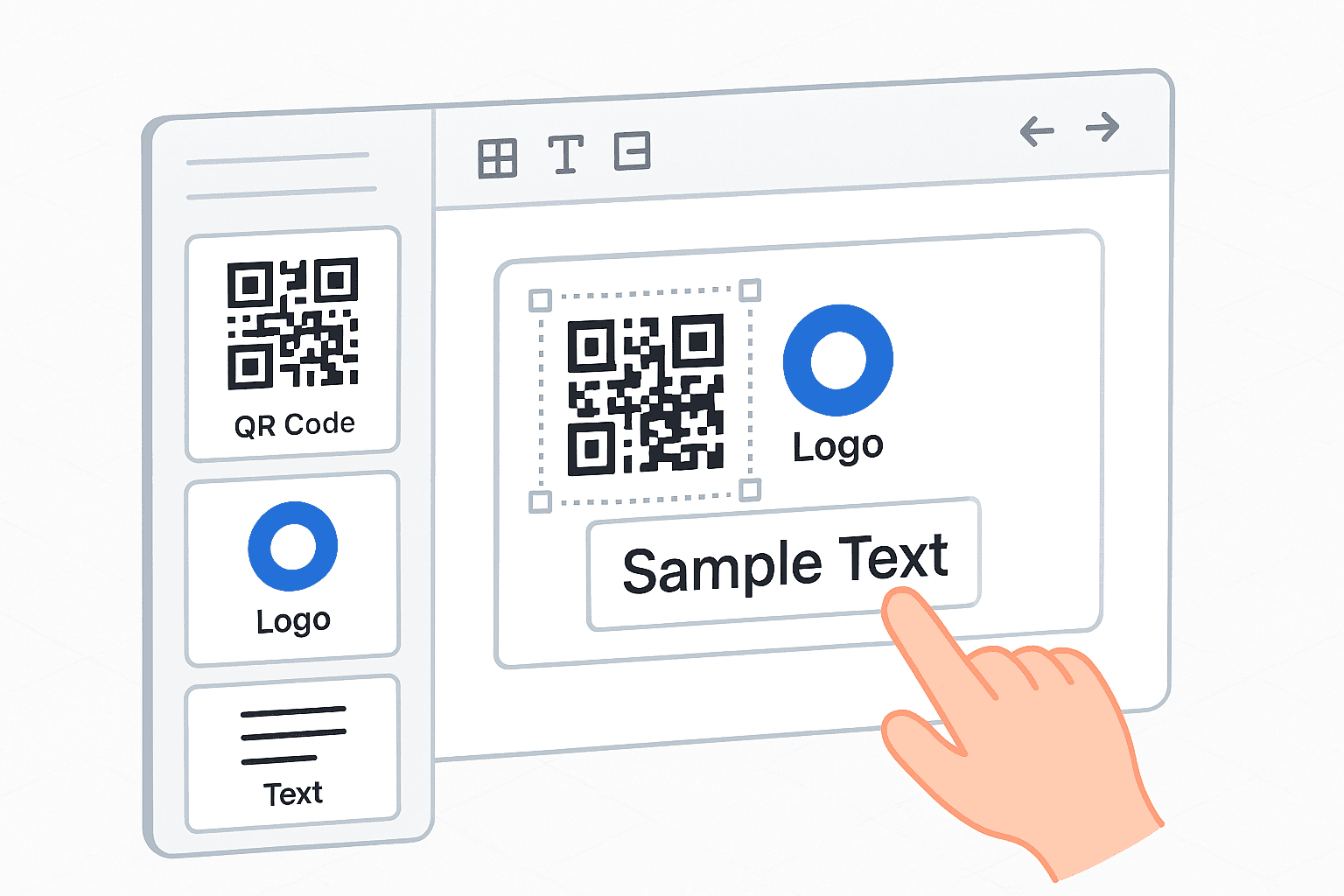
Custom Label Layouts
Create QR labels in different sizes and formats depending on packaging, equipment tags, or asset labels.
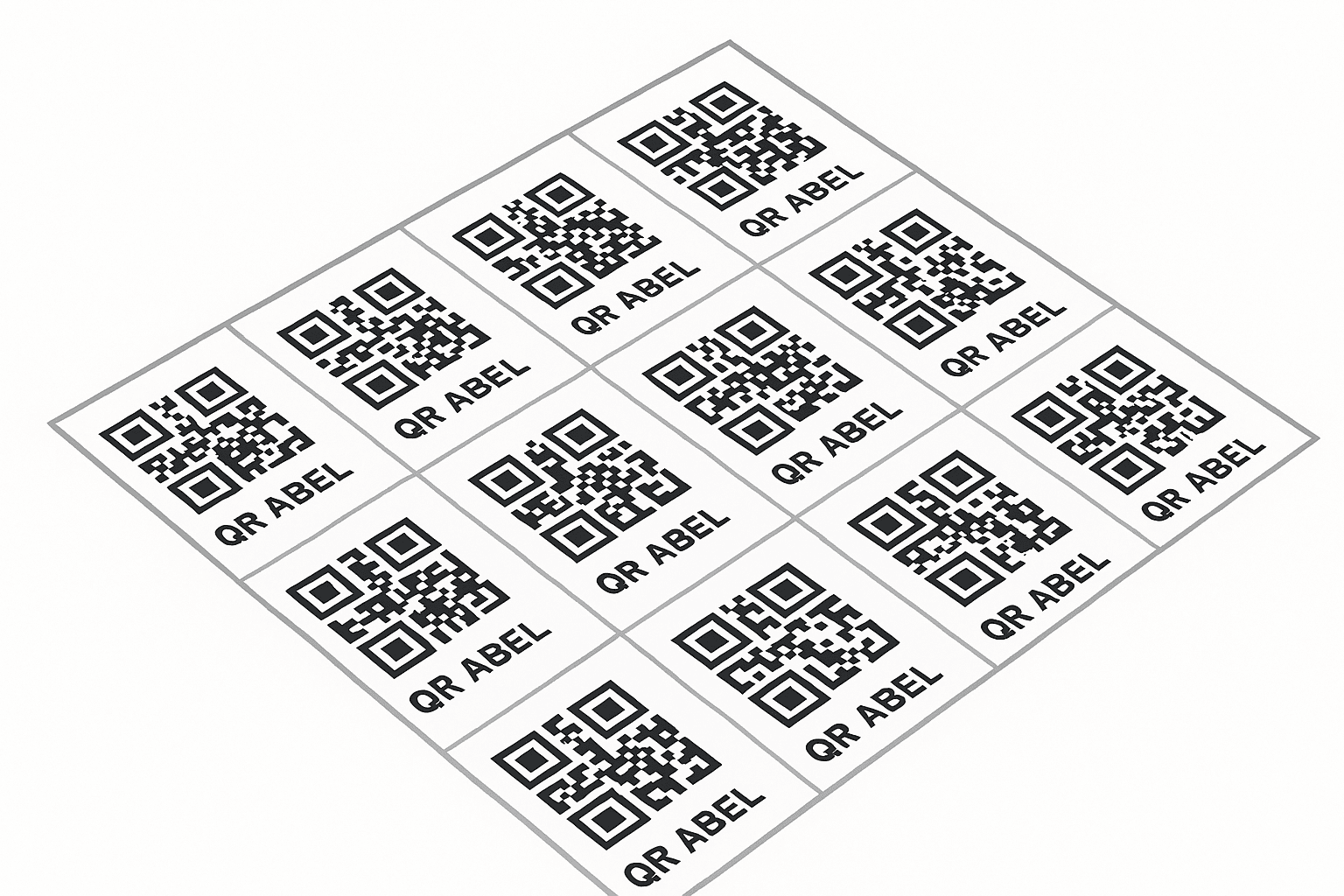
Logo & Text Integration
Combine QR codes with brand logos, product names, serial numbers, or instructions for clear identification.
Print Sheet Configuration
Configure sheet sizes and multiple label layouts to optimize printing and reduce label production costs.