Recent News
-
 November 24, 2026
-
-
 July 07, 2026
Bypass-Proof Face Biometrics

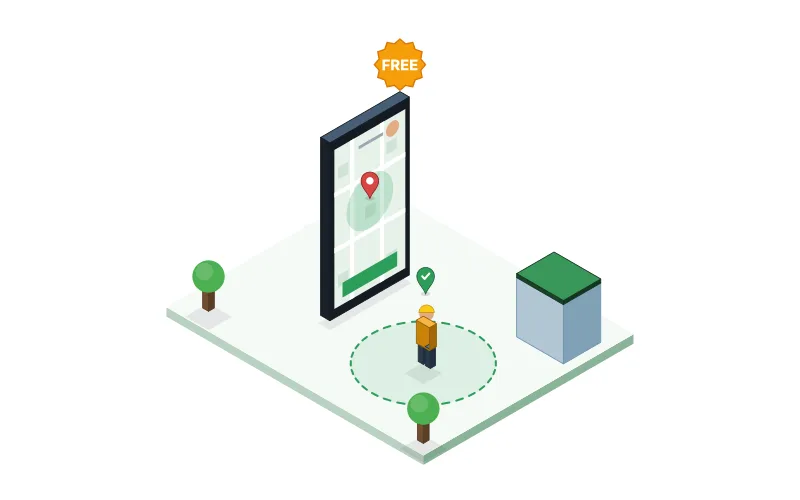
Paper registers get filled in later. WhatsApp selfies prove nothing about where a photo was taken. Biometric machines cost money at every site and are useless for staff who are always on the move. A free attendance app with locationfixes all three: every check-in records who marked it, at what time and at which location, straight from the employee's phone. TeamsTracker by Binimisedoes this with face recognition plus GPS, and it is free to download on Android and iPhone.
It is a mobile app that lets employees mark attendance from their own smartphone, while the app records the GPS location of each check-in and check-out. Managers no longer have to call staff to ask where they are. The attendance record itself shows the time, the place and the person, and reports are generated automatically.
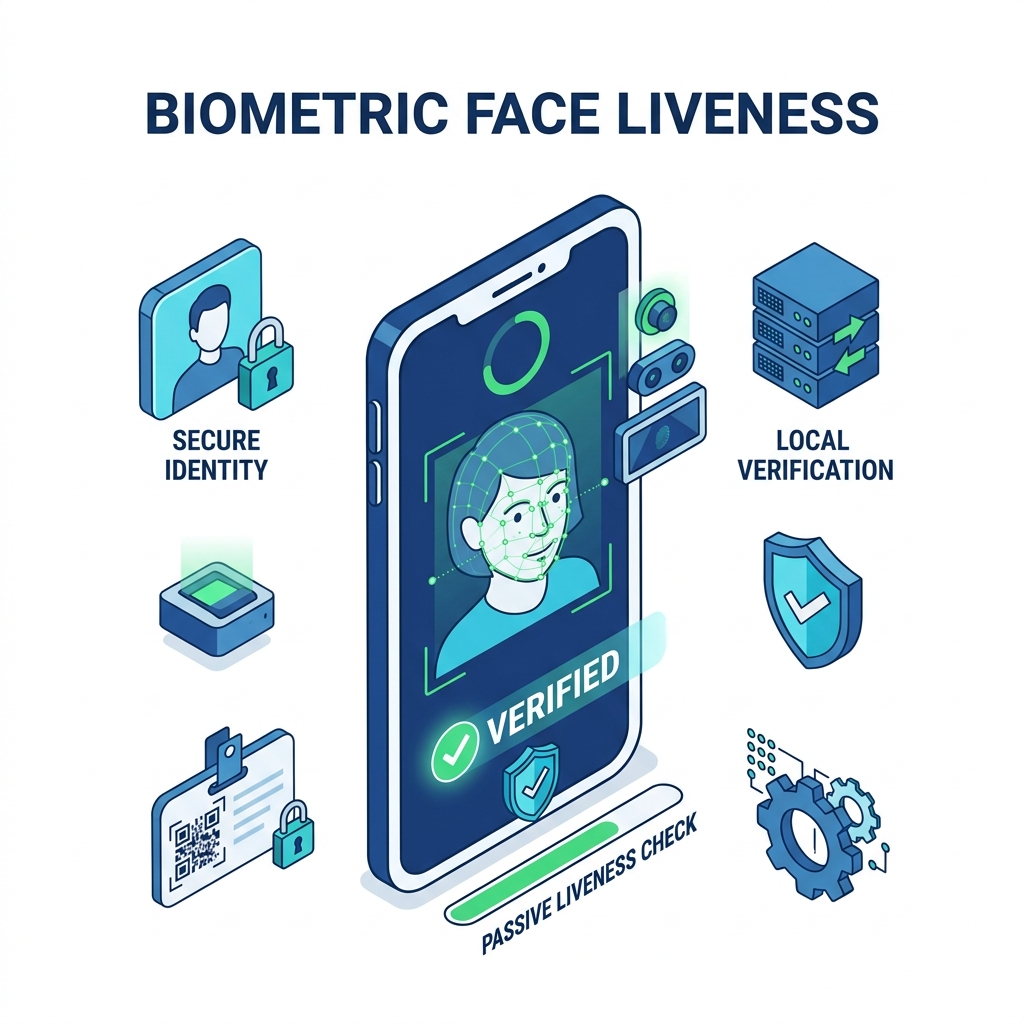
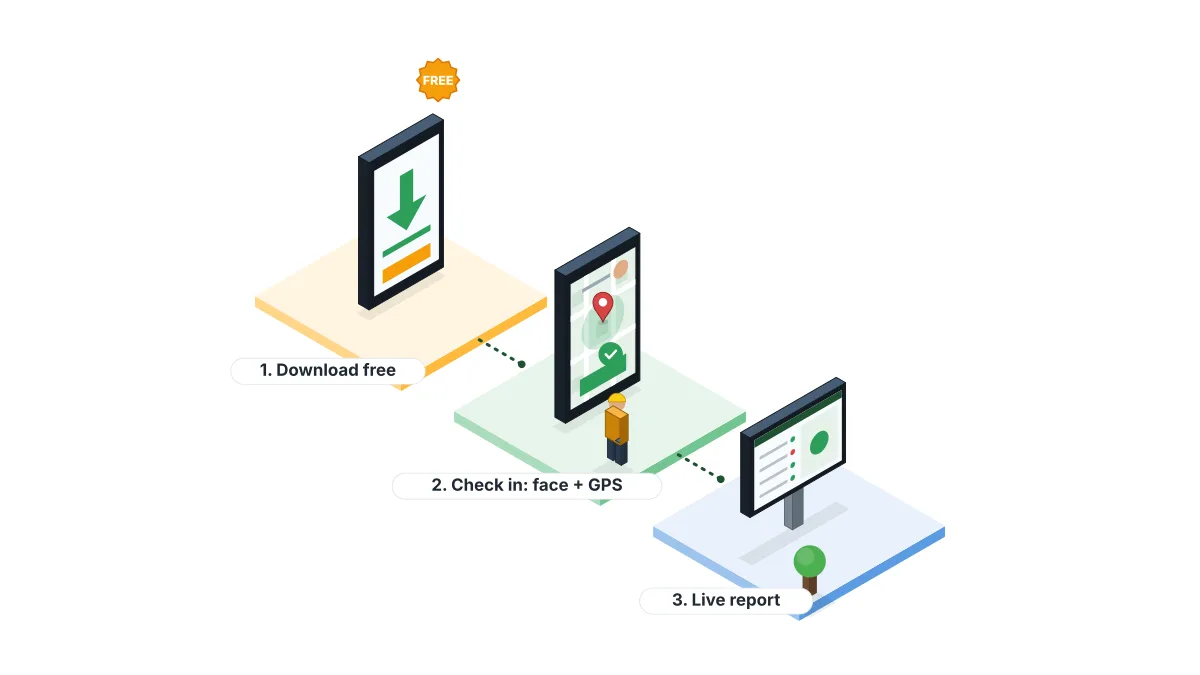
GPS proves where a phone was, not who was holding it. In many teams one employee marks attendance for an absent colleague by simply carrying their phone. That is why TeamsTracker combines face-based attendancewith location. The face check confirms the right person is present, and the GPS stamp confirms where they checked in. Together they stop proxy attendance.
Download TeamsTracker free.
Get it on Google Play for Androidor the App Store for iPhone.
Many free attendance apps only capture a selfie and a GPS point, and a manager still has to look at each photo to confirm who it is. TeamsTracker verifies the face automatically, records the location, and turns it straight into reports. It is part of the Binimise platform, so attendance connects with field staff tracking, tasks, leave and expenses as your team grows.
Q. Is TeamsTracker free?
Yes, TeamsTracker is free to download on Google Play and the App Store. Contact Binimise to set up your organisation.
Q. How does the app capture location?
Each check-in and check-out records the GPS location from the phone along with the time, so managers can see where attendance was marked.
Q. Can someone mark attendance for a colleague?
No. Face-based attendance confirms the person checking in, so carrying a colleague's phone is not enough.
Q. Does it work on both Android and iPhone?
Yes. TeamsTracker is available on Google Play for Android and on the App Store for iPhone.
Q. What if there is no internet at the site?
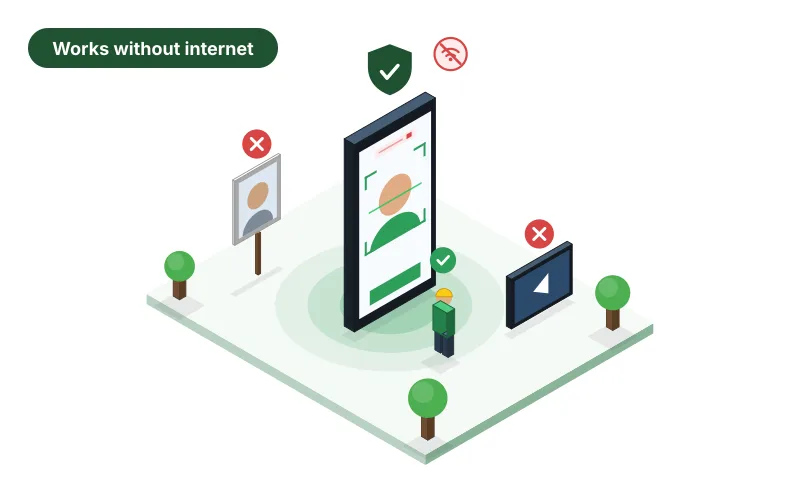
Binimise face attendance can work without internet and sync later. Read our guide to offline face attendance below.
Q. Should staff be told that location is recorded?
Yes. Best practice is to inform staff, take their consent and record location only during working hours.
Download the app free and see who is at work, when and where.
👉 Download TeamsTracker on Google Play 🔗