Recent News
-
-
 July 07, 2026
Bypass-Proof Face Biometrics
-
 July 07, 2026
Driver Behavior Monitoring

Field teams rarely work where the Wi-Fi is strong. Sanitation workers start their shifts before sunrise, construction crews work in basements, and survey teams move through villages with one bar of signal or none. If your attendance app needs the internet, attendance stops exactly where you need it most. An offline attendance appsolves this: staff mark biometric attendance on a mobile phone with no network, and the records sync automatically once the connection returns.
An offline biometric attendance app verifies an employee's face on the phone itself, without sending anything to a server at the moment of check-in. The phone stores the verified punch with its time, and the app uploads it to the admin dashboard as soon as mobile data or Wi-Fi is available. No biometric machine, no wiring and no internet are needed at the site.
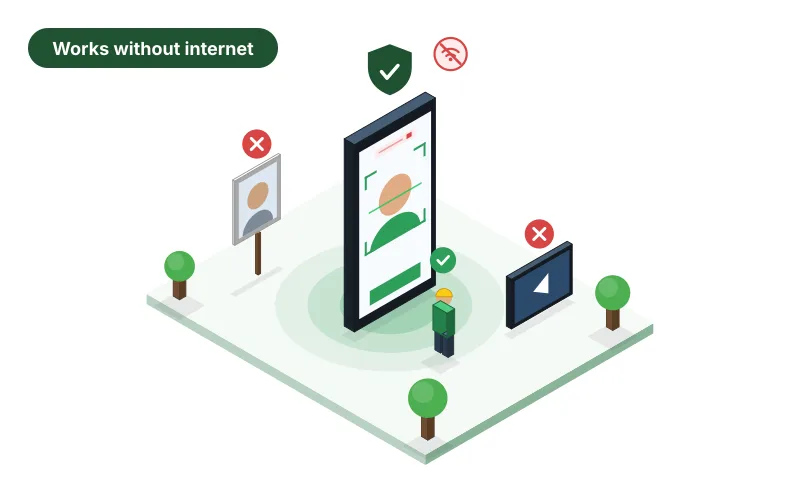
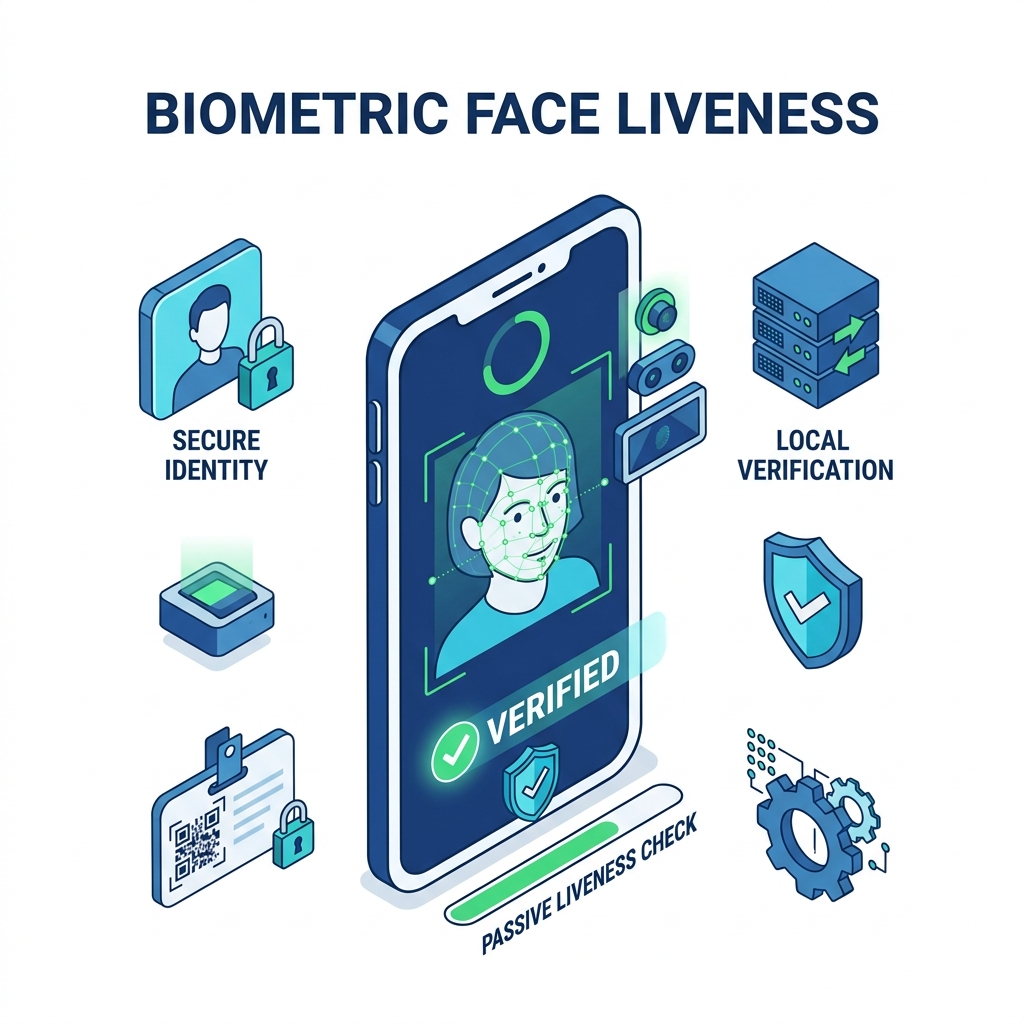
Many attendance apps "work offline" by simply saving a selfie and uploading it later. That proves a photo was taken, not that the right person was really there. Anyone can hold up a printed photo or play a video of a colleague. True offline biometric attendance needs two checks to happen on the device before the punch is saved: liveness detection(is this a real, live person?) and face matching(is this the enrolled employee?).
Try it on your own phone.
Download the Binimise Biometric app on Google Playand test offline face match and passive liveness detection, even with mobile data switched off.
A phone's GPS uses satellite signals, not mobile data, so the phone can still find its location where there is no network. Combined with Binimise Field Staff Tracking, managers get verified attendance plus live GPS location, route history, Point of Interest (POI) check-ins at assigned locations, geo-tagged photo proof of work and task updates. Data captured offline appears on the dashboard after it syncs.
A fingerprint or face machine must be bought, installed and maintained at every site, and staff must come to it. A mobile attendance app turns any supported Android phone or tablet into a biometric device, works at moving and temporary sites, and adds GPS and task tracking that a wall machine cannot. With offline mode, the app also keeps working when a cloud-connected machine would stop.
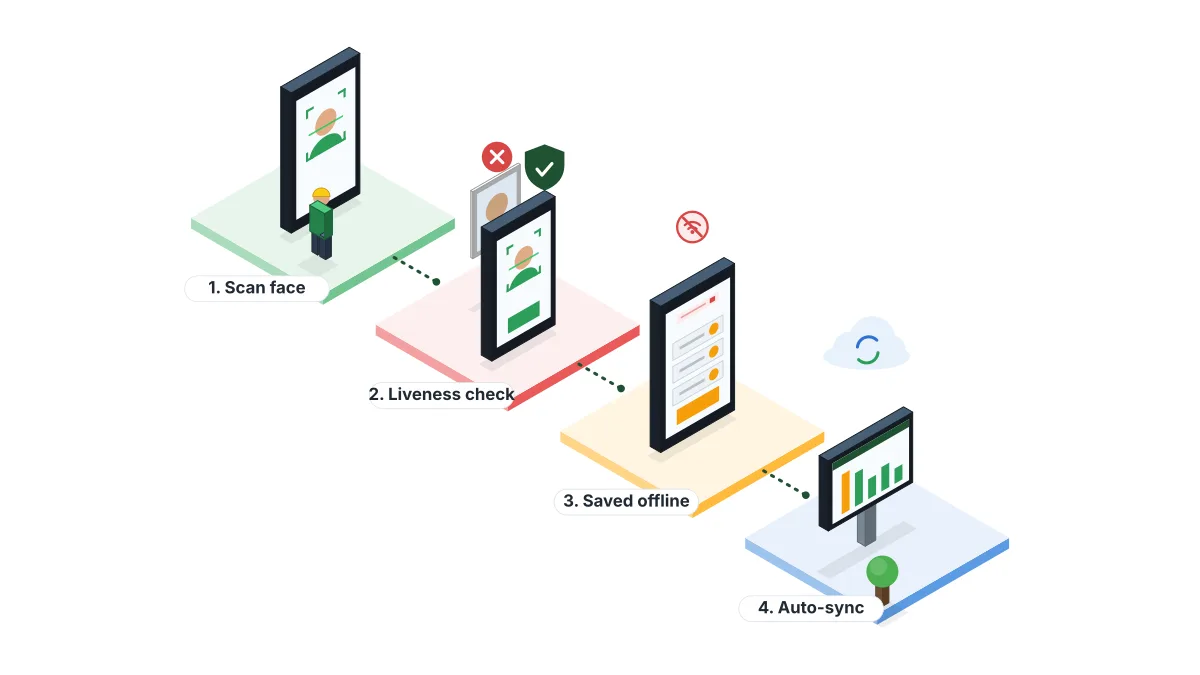
1️⃣ Check-in without network
The employee passes the liveness check and face match on the phone. The punch is saved securely on the device.
2️⃣ Queue on the device
Every offline punch waits in a queue with its time and status, so nothing is lost even after hours without signal.
3️⃣ Auto-sync when online
As soon as mobile data or Wi-Fi returns, the queue uploads in the background to the Binimise dashboard.
4️⃣ Timesheets and payroll update
Verified attendance flows into shift rosters, overtime and payroll-ready timesheets.
Q. Can face attendance work without internet?
Yes. Binimise checks liveness and matches the face on the phone itself, so staff can mark attendance with no network. Punches sync automatically when the connection returns.
Q. Can someone mark attendance with a photo of another employee?
No. Passive liveness detection blocks printed photos, video replays and 3D masks before attendance is recorded.
Q. Does the employee need to blink or turn their head?
No. The liveness check is passive and works from a single camera frame, so check-in takes only a moment.
Q. Does GPS work without internet?
Yes. Phone GPS uses satellite signals, not mobile data. The map view needs data, but the phone can still find its location offline.
Q. Are employee face photos stored on a server?
No. Face processing happens on the device and original photos are discarded after they are converted into encrypted templates.
Q. Do we need a biometric machine at every site?
No. A supported Android phone or tablet works as the attendance device, either on each employee's phone or as a shared kiosk at the site.
Q. Where can I try the Binimise Biometric app?
It is available on Google Play. Search for Binimise Biometric or use the link below.
See offline face attendance and staff tracking working live on a phone.